
Keep what you'll read later in one list
Save the articles you have no time for now, and pull them from the list when you do.
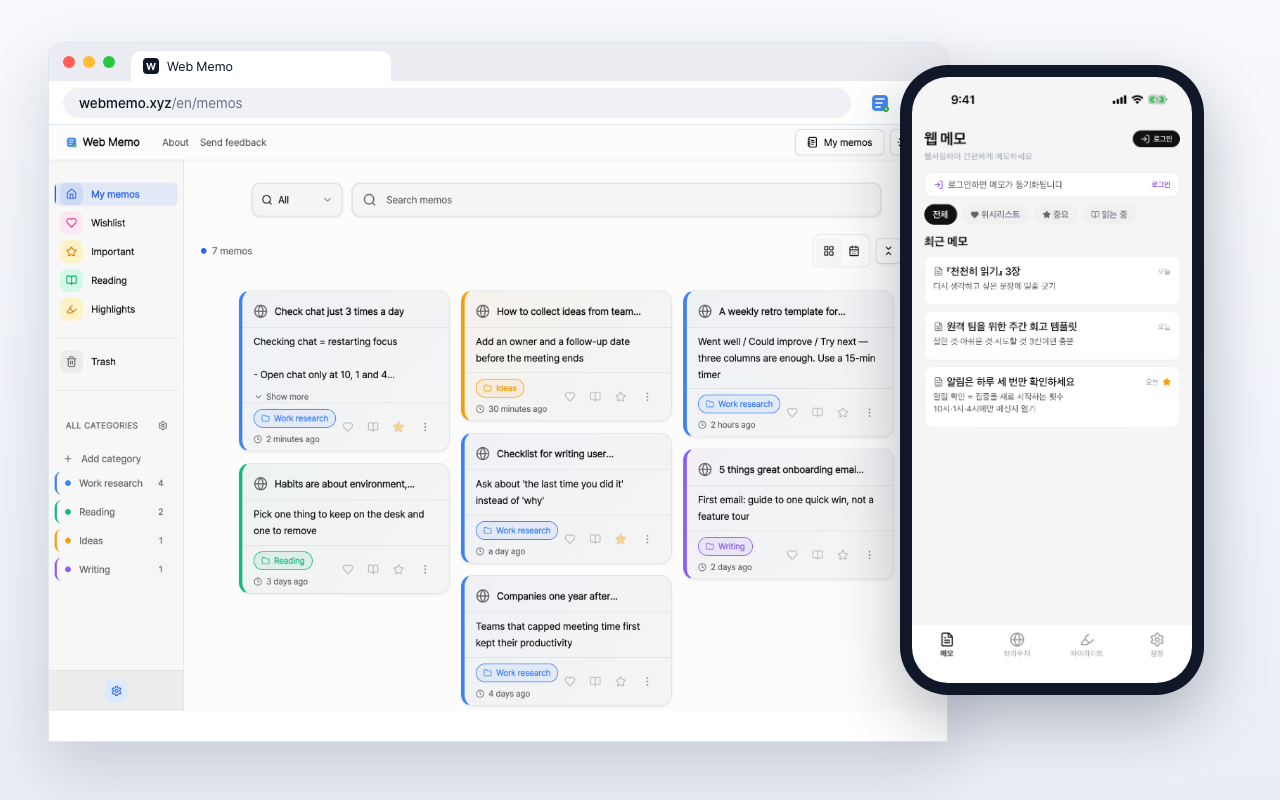
Instead of thirty tabs left open
One list you can actually get to the end of
Save it with the heart
Press the heart in the side panel and the page joins your list. Title and URL fill themselves in.
Read and unread, kept apart
Check off what you've read and the next visit shows you only what's left.
Save on desktop, read on your phone
Saved articles open at webmemo.xyz and in the app, from the same list.
Something to read on the commute
Save the good one you found while busy and it's waiting when you have time.
Save it, then read it
After installing, this is all there is
- 1
Add it to the list
Press the heart button in the side panel
- 2
Check the list
Saved articles stack up, newest first
- 3
Read when you can
Open one from the list and check it off
Read next
Other ways people use the same tool
Tech Article Organizer
Note what a tech blog or newsletter actually concluded, with the original URL attached.
News & Articles
Note the line that catches you while reading news and blogs, and keep the source URL with it.
Browser Notes
Write what comes to mind in a side panel next to what you're reading. The page URL is saved with every note.
Stop losing the articles you meant to read
Add it to Chrome and start with the tab you already have open.
Free to use