
Tech Article Organizer
Bookmarks pile up, the content doesn't
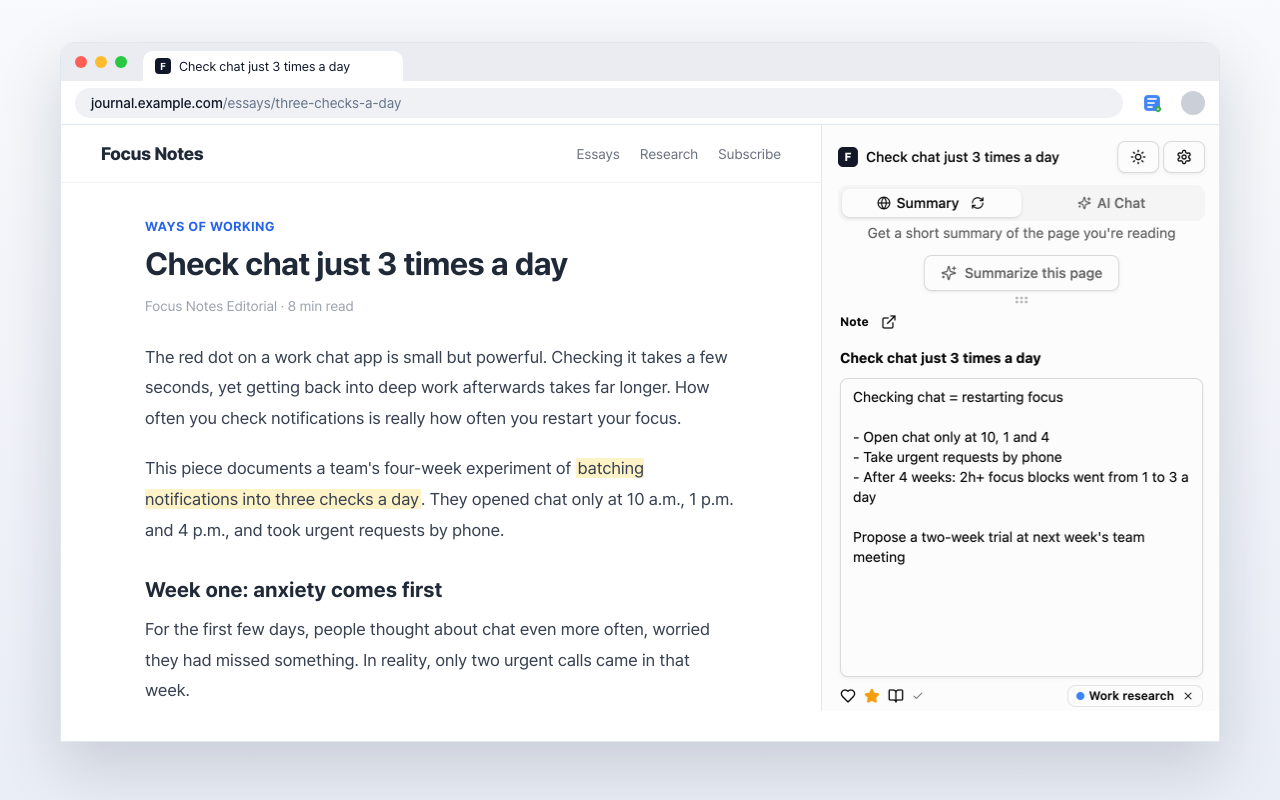
Note what a tech blog or newsletter actually concluded, with the original URL attached.
About those articles saved for later
Keep the content, not just the title
Summary first on long pieces
When an article supports summaries, scan one before reading in detail.
Copy only the paragraph that matters
Move the paragraph that catches you into a note as you read. No need to save the whole page.
Split them by area
Make categories like frontend, backend, or DevOps and file articles into them.
Back to the original
The source URL stays on the note, so quoting it or rereading it is one click away.
Leave a line on what you read today
Add it to Chrome and use it on the article you already have open.
Free to use