
Take notes without leaving the page
Write what comes to mind in a side panel next to what you're reading. The page URL is saved with every note.
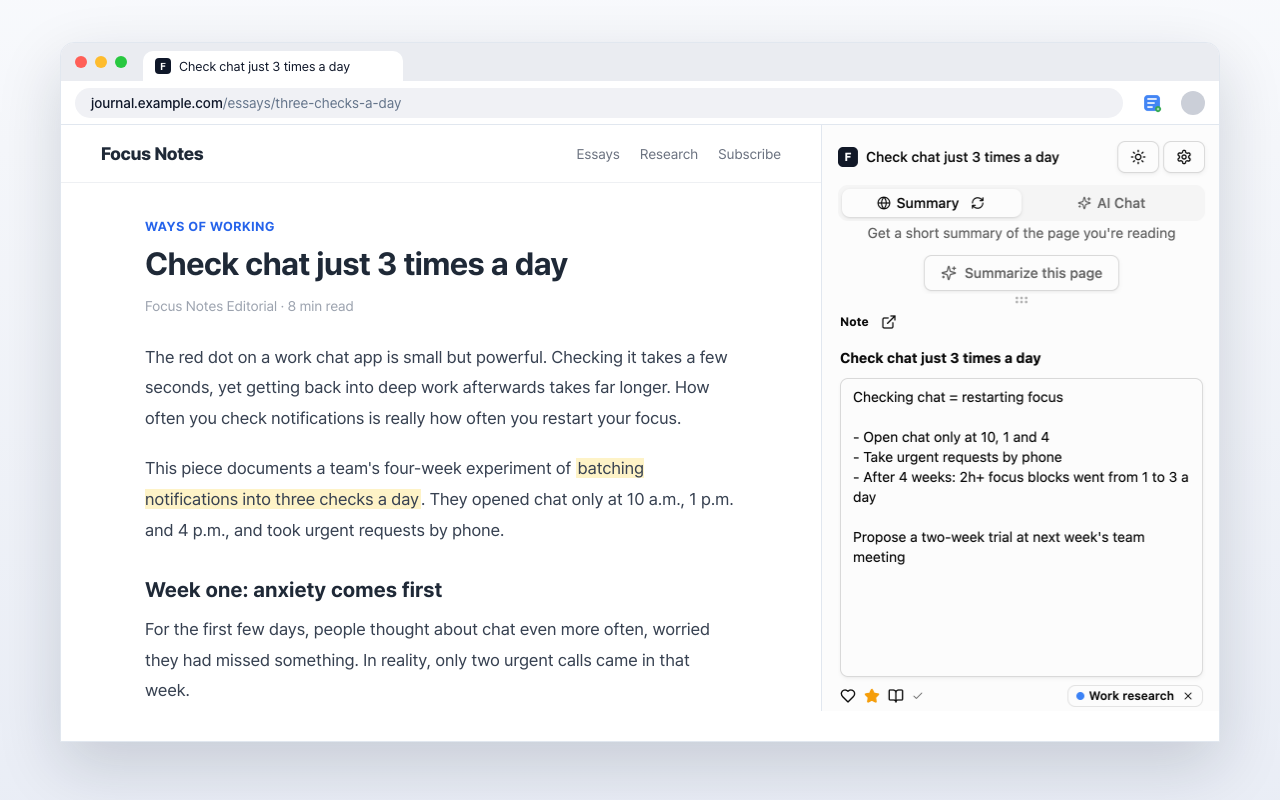
Why the notes belong in the browser
Short to write, short to find again
One shortcut to open it
Press Alt+S (Mac: Option+S) and the panel opens beside the page you're reading. No tab switching, no second app.
Group them by category
Tag a note with a category and the list will show you that group alone.
Signed in, notes follow you
Notes live in your account. Write one on your work PC and open it on your laptop at home.
Search title and body
Find a note by a single word, even once hundreds have piled up. You don't have to remember which page it came from.
Three moves to your first note
After installing, this is all there is
- 1
Open the side panel
Alt+S (Mac: Option+S). The page you're reading stays put
- 2
Write the note
Type it out — it saves without a save button
- 3
Read it back
See everything you've written at webmemo.xyz
Read next
Other ways people use the same tool
News & Articles
Note the line that catches you while reading news and blogs, and keep the source URL with it.
Research & Study
Note the passage that matters while you read the paper, and the source URL stays attached to it.
Save Articles
Save the articles you have no time for now, and pull them from the list when you do.
Start with the next thing you read
Add it to Chrome and use it on the tab you already have open.
Free to use