
Online Learning
Take lecture notes without pausing
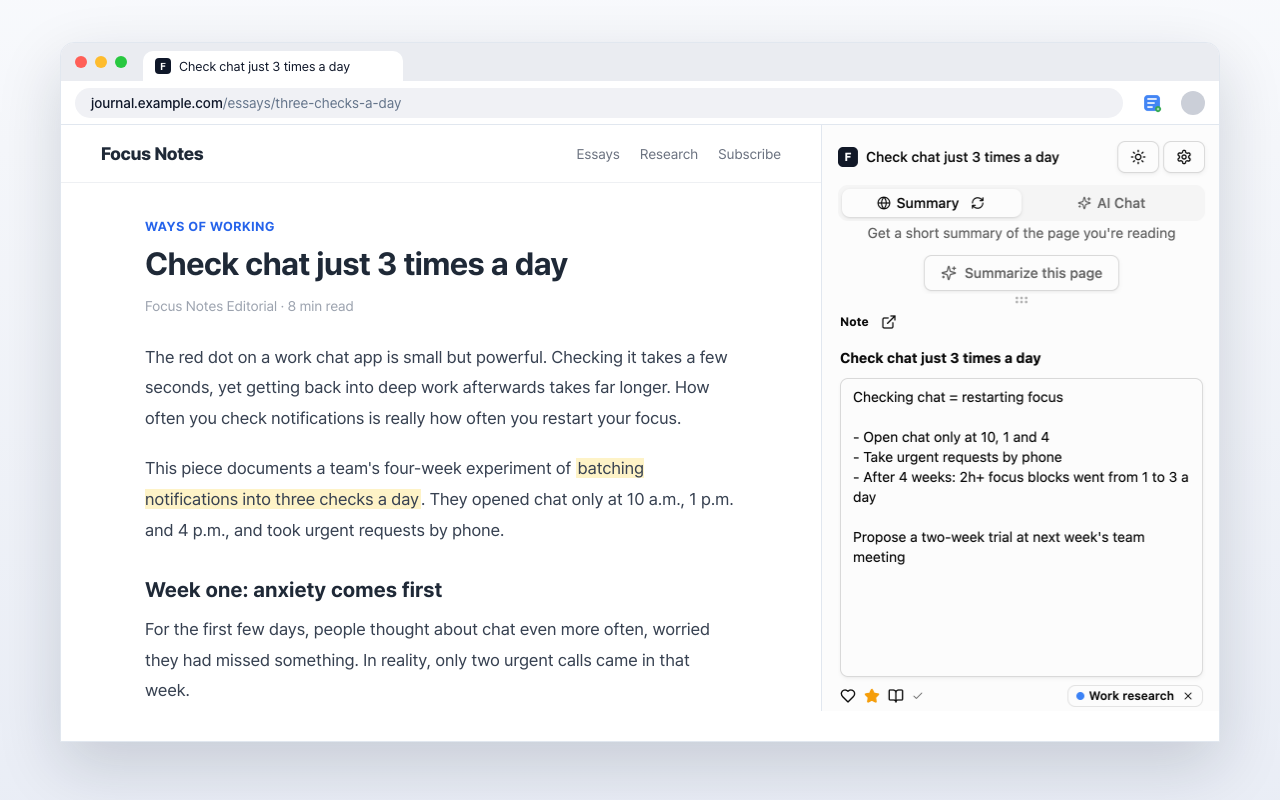
Write in the side panel while a lecture plays. The lecture URL stays with your note.
What's left after the lecture ends
So you never replay an hour to find one minute
Group notes by course
Add categories to see notes by course or topic.
Write while it plays
Note things in the side panel without pausing the video.
Notes point back to the lecture
Each note keeps the lecture URL, so review takes you straight back to that video.
Writing keeps you listening
Taking notes leaves less room for drifting, and the notes are the proof.
Take notes in your next lecture
Add it to Chrome and use it on the lecture you're watching now.
Free to use